
Poster Presentation Template (download) : Link
Poster Presentation Guidelines
We invite authors to present their research at the 1st International Conference on “Applications of Artificial Intelligence in Computational Intelligence and Communication Technologies”.
📅 Submission and Presentation Details
| Detail | Information |
|---|---|
| Presentation Dates | November 13-14, 2025 |
| Format | Submissions must represent **unpublished work**. |
| Registration | At least one author must register and present the poster at the conference. |
| Printing | Posters must be printed in A0 size. Refer to the poster template for formatting guidelines. |
Poster Presentation Registration
Please use the link or QR code below to register for the poster presentation:
Registration Link: https://forms.gle/2SV2owGGX4kYynX59
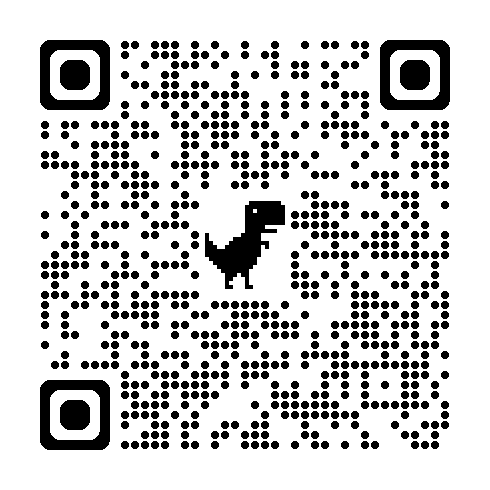
Scan to Register
📏 General Guidelines for Poster Preparation
1. Layout of Poster
- Size: A0 (841mm × 1189mm) or 36 x 48 inches (Recommended).
- Orientation: Portrait (Recommended).
2. Contents to be Included
| Section | Content Guidelines |
|---|---|
| Title | Bold, large font (e.g., 72 pt). Include authors’ names and affiliations. |
| Abstract | Normal text (font size: 24–36 pt). Brief summary of your research work that includes the purpose, methodology, key findings, and significance. |
| Introduction / Background | Context, significance, and objectives. Keep it concise but informative. |
| Methodology | Describe your methods briefly with diagrams or flowcharts. Use visuals to explain complex steps. |
| Results | Use charts, graphs, images, or tables. Highlight key findings visually. |
| Conclusion | Summarize key takeaways. Future work if applicable. |
| References | Include only 5–10 key references in small font. |
| Contact Information | Email, LinkedIn, ORCID (optional). |
3. Design Guidelines
Fonts:
- Title: 72–100 pt; Section headings: 40–50 pt; Body text: 24–36 pt.
- Use **sans-serif fonts (Arial, Calibri, Helvetica)** for readability.
Colors:
- Use a **light background with dark text**.
- Stick to **2–3 primary colors**.
- Use color-blind-friendly palettes.
Layout Tips:
- Use **columns (2 or 3)** for organization.
- Maintain good spacing and margins.
- Use bullet points for clarity.
- **Avoid clutter:** Use white space strategically.
Visuals:
- Ensure images are **high-resolution**.
- Label all visuals clearly.
Common Mistakes to Avoid
- Overloading with text.
- Using low-resolution images.
- Poor contrast (e.g., red text on green background).
- Tiny fonts that aren’t readable from 1–2 meters away.
- Not aligning sections properly.